Add to your home screen
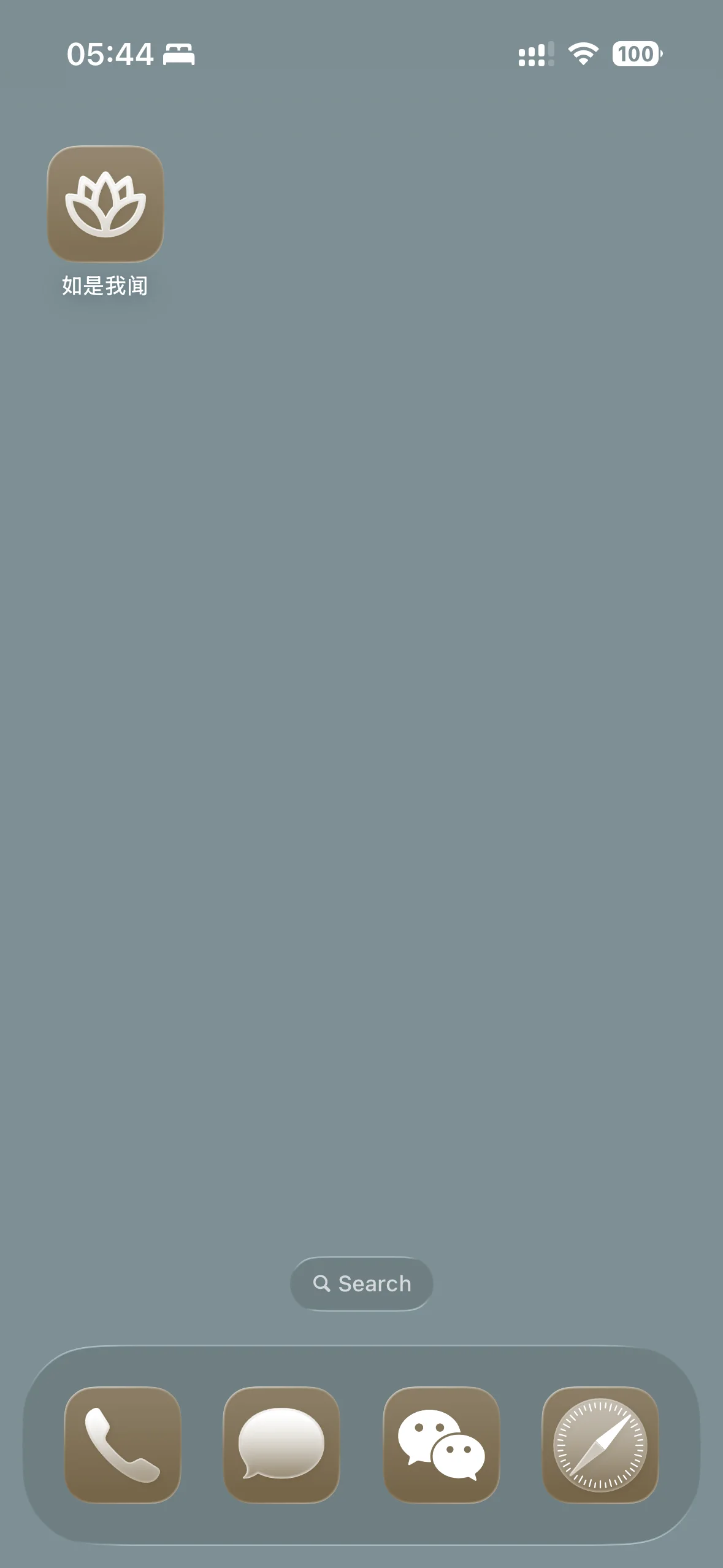
Texts you've read stay readable offline · One tap from the home screen · No app store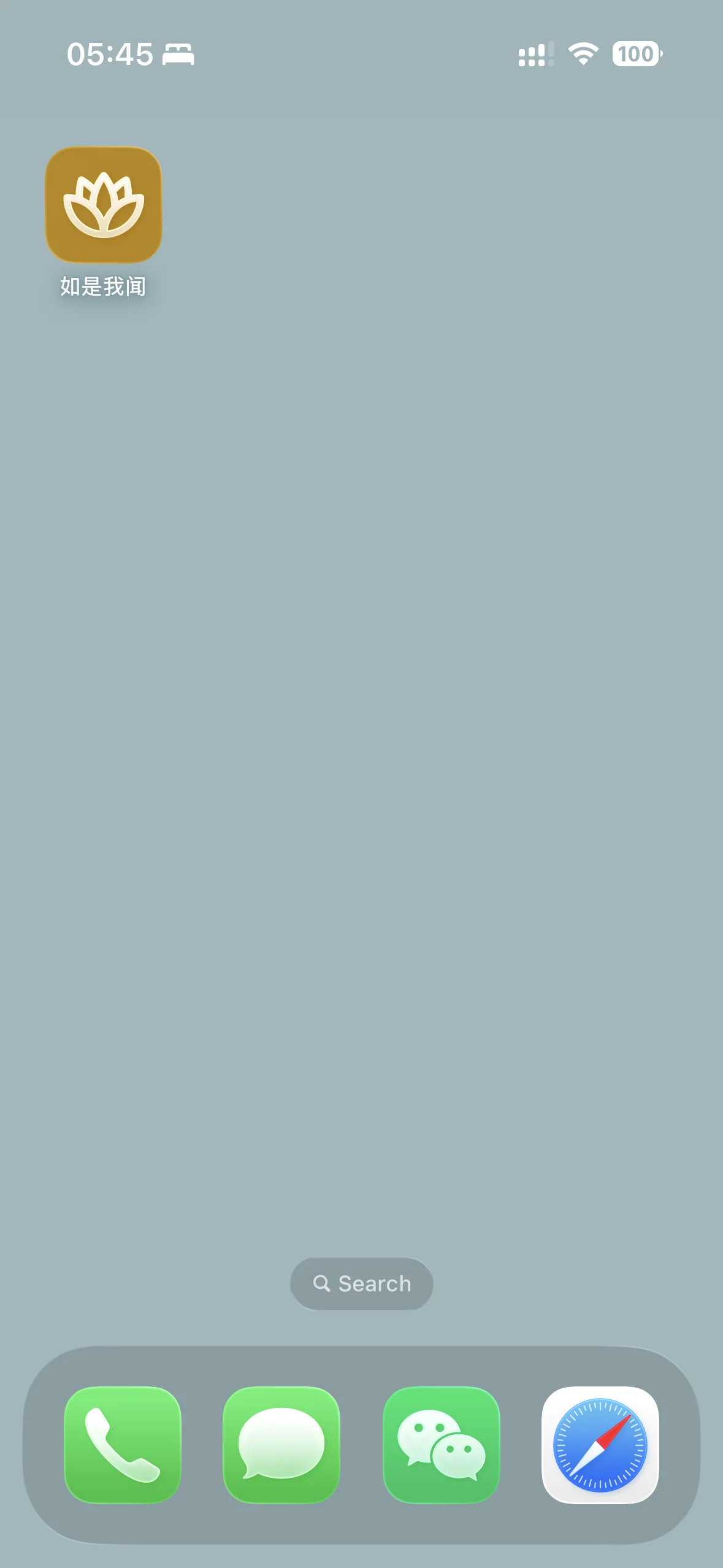
Why install?
- Read offline - what you've opened stays with you, network or not
- One tap away - open from the home screen, launcher, or dock
- A window of its own - the browser chrome falls away, only the text remains
- Travels light - no app store, remove whenever you like
Install from your browser
If your browser supports it, this button opens the install prompt. Otherwise, follow the manual steps below:
If no install prompt appears, use the manual steps below.
Manual installation guide
iOS / iPadOS
- Open this site in Safari (recommended) or a supported browser
- Tap the Share button
- Tap Add to Home Screen
- Confirm the name, turn on Open as Web App if shown, then tap Add
iOS/iPadOS does not support an in-page install prompt. Safari is the safest option; on iOS/iPadOS 16.4+, some third-party browsers can also add web apps from the Share menu.
Android (Chrome / Edge / Firefox, etc.)
- Tap the ⋮ menu in the top-right corner
- Select Install app or Add to Home Screen
- Confirm when prompted
Desktop (Chrome / Edge / Safari 17+)
- Chrome / Edge: click the Install icon in the address bar, or use the browser menu → Install RuShiWoWen
- Safari 17+ on macOS Sonoma or later: use File → Add to Dock
- Confirm installation when prompted